
Blog
The Ultimate TV Stand with Wall Mount Buying Guide
Buying Guide
How to Choose the Best TV Stand with Wall Mount
A tv stand with wall mount is more than just furniture—it’s the anchor of your living room. In this guide, we’ll help you navigate the options to find the perfect match for your space and TV.
Why a TV Stand with Wall Mount Makes Sense
Combining a TV stand with a wall mount saves floor space and creates a clean, modern look. It keeps your TV securely attached to the wall while offering storage for media components, gaming consoles, and decor. This setup reduces clutter and the risk of tipping, especially in homes with children or pets.
Measure Your Space and TV First
Before shopping, measure your TV’s VESA pattern—the distance between mounting holes on the back. Common patterns include 200x200mm, 400x400mm, and 600x400mm. Also measure the width of your TV stand; it should be at least a few inches wider than your TV for balance. Consider the height: the center of the screen should be at eye level when seated. A good rule is about 42 inches from the floor.
VESA Compatibility
Check your TV’s VESA pattern in the manual or online. The mount must match exactly. Many modern stands support multiple patterns, but verify before buying.
Material and Build Quality
TV stands come in engineered wood, solid wood, metal, or glass. Engineered wood with a laminate finish is affordable and durable. Solid wood offers longevity but costs more. Metal stands are sleek and strong, while glass looks modern but requires careful handling. For wall-mounted setups, ensure the stand itself is sturdy enough to support the TV’s weight and the mount’s load.
Weight Capacity
Always check the weight capacity of both the stand and the mount. Your TV’s weight plus the mount should be well under the limit. A stand rated for 50 lbs is suitable for most 55-inch TVs.
Cable Management: Keep It Tidy
A clutter-free setup enhances the modern look. Look for stands with built-in cable channels, grommets, or removable back panels. These hide power cords, HDMI cables, and speaker wires. Some stands even have integrated power strips. If your stand lacks these features, use adhesive cable clips or raceways to route cables along the wall.
Storage and Shelving Options
Consider what you’ll store: a soundbar, gaming console, streaming devices, or decor. Open shelves offer easy access but show clutter. Closed cabinets hide items but may require ventilation for electronics. Adjustable shelves are versatile. Some stands include drawers for remotes and accessories.
Style and Finish
Your TV stand should complement your room’s decor. Popular finishes include black, white, walnut, and oak. Mid-century modern styles feature tapered legs and wood tones. Industrial designs use metal and dark wood. Minimalist stands are sleek with clean lines. Choose a finish that matches your other furniture.
Installation and Safety Tips
Wall-mounting a TV requires finding studs and using appropriate anchors. If you’re not comfortable, hire a professional. For the stand itself, assemble on a soft surface to avoid scratches. Use a level to ensure the stand is even. Secure the TV to the mount according to instructions, and double-check all bolts. Learn more about home cinema setup.
Final Considerations
Think about future upgrades: if you plan to get a larger TV, choose a stand that can accommodate it. Also consider airflow—electronics generate heat, so avoid enclosed spaces without ventilation. With the right tv stand with wall mount, you’ll enjoy a safe, stylish, and organized entertainment area.
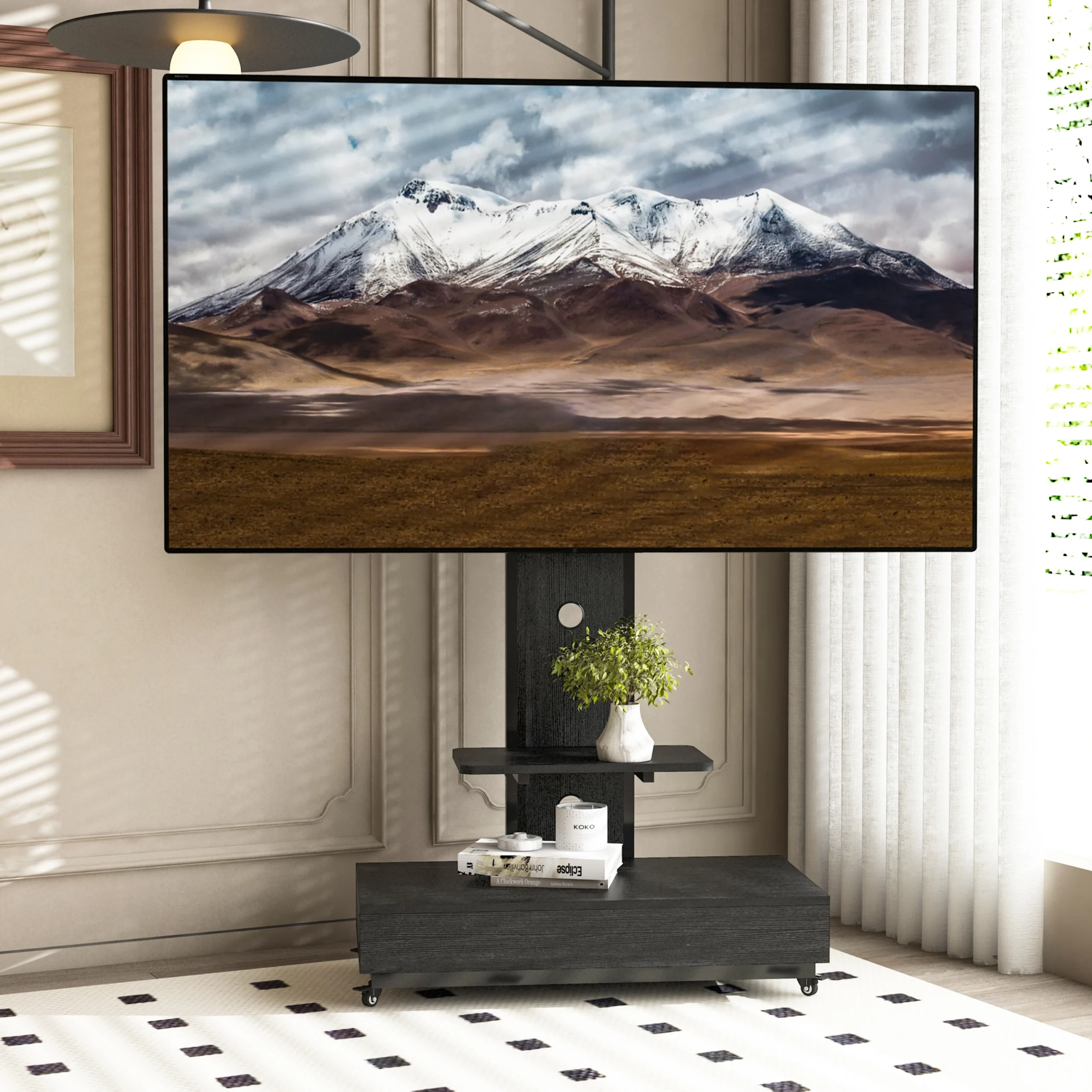
Goldoma TV Stand with Wall Mount – Modern Media Console for 32-65″ TVs, VESA 600x400mm
For a reliable option, consider the Goldoma TV Stand with Wall Mount – Modern Media Console for 32-65″ TVs, VESA 600x400mm, which combines sturdy construction with thoughtful cable management.
Frequently asked questions
What is a TV stand with wall mount?
It’s a piece of furniture that combines a traditional TV stand with a wall-mounting bracket, allowing you to securely attach your TV to the wall while providing storage space underneath.
How do I know if my TV is compatible with a wall mount stand?
Check your TV’s VESA pattern (the distance between mounting holes) and weight. The stand’s mount must support that pattern and weight capacity.
Can I install a TV stand with wall mount myself?
Yes, if you have basic tools and can locate wall studs. For heavier TVs or complex installations, professional help is recommended.
What is the ideal height for mounting a TV on a stand?
The center of the screen should be at eye level when seated, typically around 42 inches from the floor. Adjust based on your seating height.
