
Blog
Ergonomic Laptop Table: A Buyer’s Guide
Buying Guide
Finding Your Perfect Ergonomic Laptop Table
An ergonomic laptop table can transform your work-from-home experience, but with so many options, how do you choose? Let’s break it down.
Why an Ergonomic Laptop Table Matters
If you’re like most people, you’ve probably spent hours hunched over a laptop on a regular desk, only to end up with a sore neck and tired eyes. An ergonomic laptop table is designed to bring your screen to eye level and your keyboard to a comfortable typing height, which helps maintain a neutral spine and reduces strain on your neck, shoulders, and wrists. This isn’t just about comfort; it’s about long-term health. According to the Wikipedia article on ergonomics, proper ergonomics can prevent musculoskeletal disorders. Investing in an ergonomic laptop table is a simple yet effective step toward a healthier workspace.
Key Features to Look For
When shopping for an ergonomic laptop table, you’ll want to consider these essential features:
- Height Adjustability: The table should easily adjust to different heights, whether you’re sitting or standing. Look for smooth mechanisms like gas springs or easy-to-turn knobs.
- Surface Size: Ensure it can comfortably hold your laptop and maybe a mouse. A surface that’s too small can lead to awkward positioning.
- Stability: A wobbly table is not only annoying but also unsafe for your devices. Check for a sturdy base and quality materials.
- Portability: If you plan to move it around your home or take it to the office, weight and foldability matter.
- Angle Tilt: Some tables allow you to tilt the surface, which can reduce glare and improve typing posture.
Prioritize features that align with your specific use case. For example, if you often work in bed, a table with a beanbag base might be ideal; if you switch between sitting and standing, a height-adjustable model is a must.
Materials and Build Quality
The material of your ergonomic laptop table affects its durability, aesthetics, and weight. Common options include:
- Wood: Offers a warm, classic look and often feels sturdy. However, it can be heavier and may require more care to avoid scratches.
- Aluminum: Lightweight and modern, but may lack stability if not well-designed.
- Plastic: Affordable and light, but can feel flimsy and may not last as long.
Consider the environment where you’ll use it. If you have a home office with wooden furniture, a wooden table might blend in beautifully. If you’re a frequent traveler, a lightweight aluminum model could be more practical. Always check the weight capacity to ensure it can handle your laptop and accessories.
Ergonomic Adjustments: More Than Just Height
While height is crucial, a truly ergonomic laptop table should offer other adjustments to accommodate your body. Look for:
- Keyboard Tray: A separate tray can keep your wrists straight and your arms at a 90-degree angle.
- Screen Riser: Some tables have a riser that brings your screen to eye level while allowing an external keyboard to be placed below.
- Tilt and Swivel: These features let you adjust the screen angle to reduce glare and find the perfect viewing position.
Remember, the goal is to maintain a natural posture: your feet flat on the floor, knees at a 90-degree angle, and your screen at arm’s length with the top of the monitor at eye level. An ergonomic laptop table that supports these adjustments can make a world of difference.
Space and Portability Considerations
Before you buy, think about where you’ll use the table. If you have a dedicated home office, a larger, sturdier model might be fine. But if you’re tight on space or like to move from room to room, consider a foldable or rolling table. Some tables come with wheels, making it easy to glide them across the floor. Others are lightweight enough to carry with one hand. Also, measure the space under your desk or bed to ensure the table fits when you need it to. A compact design that tucks away neatly is a bonus.
Budget and Value
Ergonomic laptop tables range from budget-friendly to premium. You don’t need to spend a fortune to get a decent one, but be wary of extremely cheap options that may compromise on stability and durability. Set a budget based on how often you’ll use it and how much you value your comfort. A good rule of thumb: if you work on your laptop for more than a few hours a day, invest in a quality table that will last. Read reviews to see how products hold up over time.
Our Recommendation
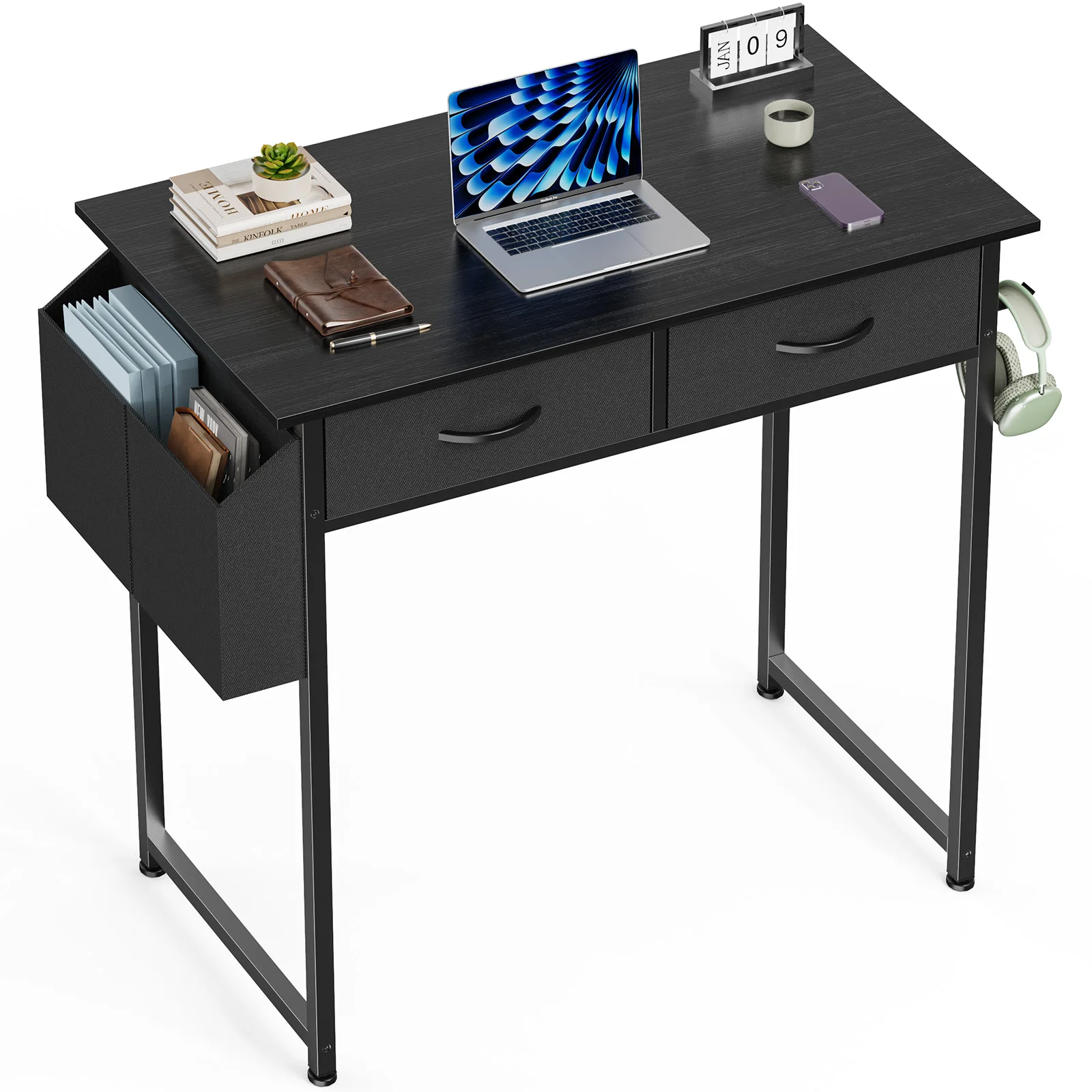
After considering all these factors, you might be looking for a reliable option. The FCJ Ergonomic Laptop Table Wooden Metal Convertible Computer Desk for Small Home Office Bedroom for Writing Learning Hotel Use offers a blend of style and functionality, with a sturdy wooden surface and adjustable height settings. It’s designed to meet the needs of various users, making it a versatile choice for many spaces.
Remember, the best ergonomic laptop table is the one that fits your body and your lifestyle. Take your time, do your research, and prioritize your comfort. Your back will thank you.
FCJ Ergonomic Laptop Table Wooden Metal Convertible Computer Desk for Small Home Office Bedroom for Writing Learning Hotel Use
The FCJ Ergonomic Laptop Table Wooden Metal Convertible Computer Desk offers a balanced combination of style and practicality for small spaces.
Frequently asked questions
What is the ideal height for an ergonomic laptop table?
The ideal height is when your elbows are at a 90-degree angle and your wrists are straight. For most people, this is around 24-28 inches for sitting, but it varies. Adjustable tables are best to accommodate different users.
Can an ergonomic laptop table help with neck pain?
Yes, by raising the laptop screen to eye level, an ergonomic table prevents you from bending your neck forward, which is a common cause of neck pain.
Are wooden or metal laptop tables more durable?
Both can be durable. Wood offers sturdiness and a classic look, while metal (like aluminum) is lightweight and resistant to wear. Check the quality of construction and weight capacity.
How do I clean and maintain my ergonomic laptop table?
Wipe with a soft, damp cloth and avoid harsh chemicals. For wooden tables, use a wood cleaner occasionally. For metal, a mild soap solution works. Tighten screws periodically to keep it stable.
