
Blog
The Ultimate Guide to Choosing an Adjustable Computer Desk
Buying Guide
Find Your Perfect Adjustable Computer Desk
An adjustable computer desk can transform your work-from-home experience, offering flexibility and comfort that static desks simply can’t match. But with so many options, how do you choose the right one?
Why Choose an Adjustable Computer Desk?
An adjustable computer desk is more than a trend—it’s a smart investment in your health and productivity. By allowing you to switch between sitting and standing, these desks help combat the negative effects of prolonged sitting, such as back pain and poor posture. They also adapt to your changing needs throughout the day, whether you’re typing, reading, or sketching. The flexibility of an adjustable computer desk means you can customize your setup for maximum comfort and efficiency, making it a worthwhile addition to any home office.
Key Features to Consider
When shopping for an adjustable computer desk, several features can make a big difference in your daily use. Here are some to keep in mind:
- Height Adjustment Range: Ensure the desk can go low enough for sitting and high enough for standing, ideally between 24 and 50 inches.
- Motorized vs. Manual: Electric lifts are convenient, but manual crank options are budget-friendly and reliable.
- Weight Capacity: Check that the desk can support your monitor, keyboard, and other essentials without wobbling.
- Memory Presets: Some desks allow you to save your preferred heights for quick switching.
Ergonomics and Comfort
An adjustable computer desk should work with your body, not against it. Look for a desk that allows your elbows to rest at a 90-degree angle when typing and your monitor at eye level. Pair it with an ergonomic chair for optimal support. The goal is to create a setup that feels natural, reducing strain on your neck, shoulders, and wrists.
Materials and Build Quality
The material of your adjustable computer desk affects both aesthetics and longevity. Solid wood desks offer a classic, warm look and are durable, but they can be heavy and pricey. Engineered wood or MDF is more affordable and lighter, though it may be less resistant to moisture. Metal frames, especially steel, provide stability and support. Consider the finish as well—a scratch-resistant surface will keep your desk looking new for years.
Size and Space Planning
Before you buy, measure your workspace. An adjustable computer desk should fit comfortably without crowding the room. Think about the depth you need for your monitor and keyboard, and whether you’ll want extra space for documents or a lamp. If you have a small office, a compact desk with a smaller footprint might be ideal. Also, consider the shape—corner desks can maximize space, while rectangular ones are versatile.
Setting Up Your Desk for Maximum Productivity
Once your adjustable computer desk arrives, set it up with intention. Place it near a power source and natural light if possible. Organize cables to keep them out of sight, and position your monitor at arm’s length. Use the height adjustment to alternate between sitting and standing every 30–60 minutes. This simple habit can boost your energy and focus. Remember, your desk is a tool to support your work, so make it work for you.
Maintenance and Longevity
To keep your adjustable computer desk in top shape, clean it regularly with a gentle cleaner appropriate for its material. Tighten screws and bolts periodically, and lubricate moving parts if needed. Avoid overloading the desk beyond its capacity. With proper care, a quality adjustable desk can last for many years, making it a smart investment. For a reliable option, consider models with sturdy construction and positive reviews.
Eco-Friendly and Sustainable Options
If sustainability matters to you, look for desks made from responsibly sourced wood or recycled materials. Some manufacturers offer certifications like FSC (Forest Stewardship Council) to ensure their products meet environmental standards. Choosing a durable desk also reduces waste, as you won’t need to replace it frequently. By opting for an eco-friendly adjustable computer desk, you contribute to a healthier planet while enjoying your workspace.
For more on ergonomic workspaces, check out this guide to ergonomics.
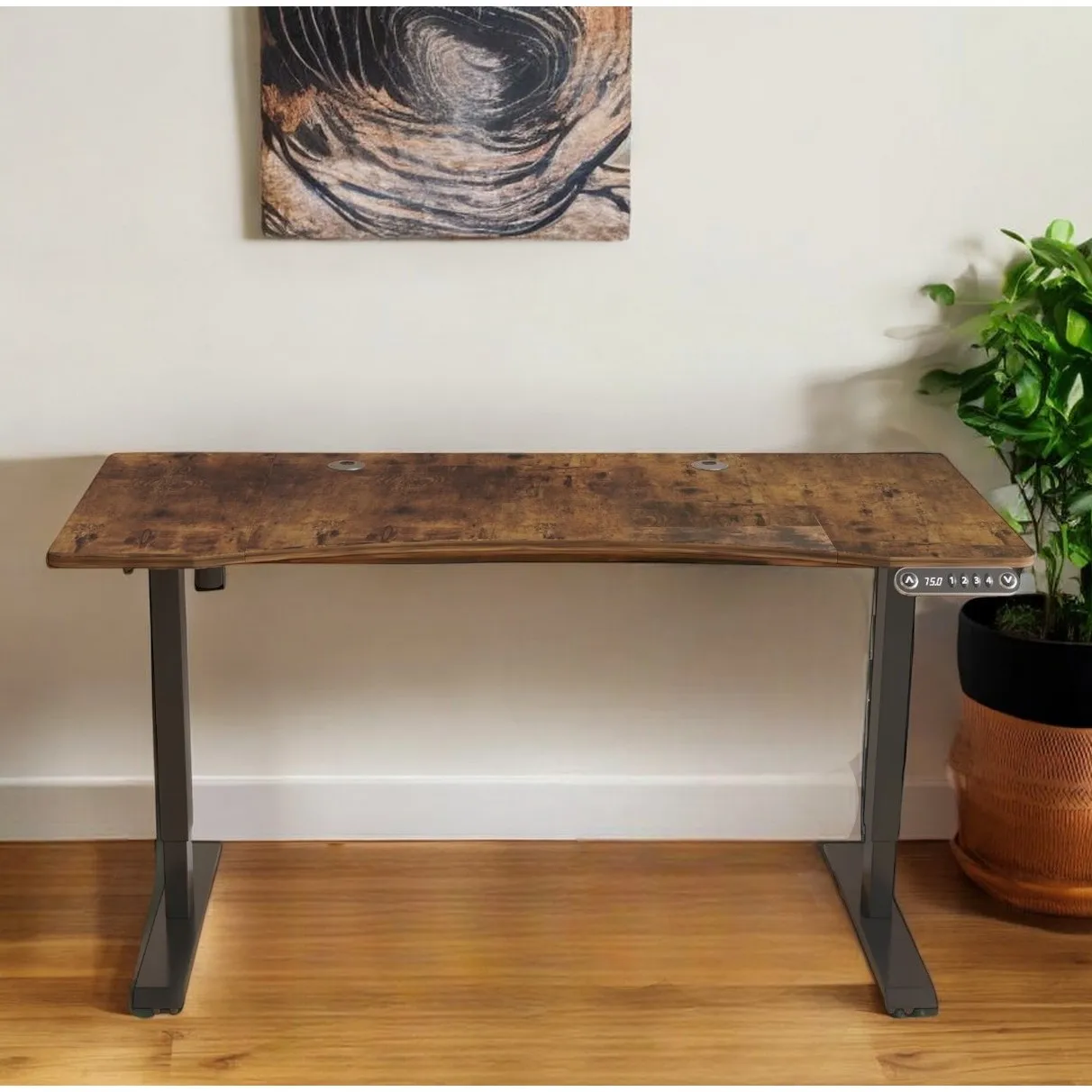
55 Adjustable Brown and Black Computer Desk Stylish Office Desk with Comfortable Ergonomic Design
Consider the 55 Adjustable Brown and Black Computer Desk Stylish Office Desk with Comfortable Ergonomic Design for a sturdy and stylish option that meets your needs.
Frequently asked questions
What is the ideal height for an adjustable computer desk?
The ideal height depends on your body. When sitting, your elbows should be at a 90-degree angle, and your feet flat on the floor. When standing, the desk should align with your elbows. Most adjustable desks range from 24 to 50 inches, so choose one that fits your height and chair.
How often should I switch between sitting and standing?
Experts recommend alternating every 30 to 60 minutes. Start with shorter standing periods and gradually increase. Listen to your body—if you feel fatigue, sit down. The key is to keep moving.
Can an adjustable desk support multiple monitors?
Yes, but check the weight capacity. Most desks can handle 2-3 monitors if they are lightweight. Ensure the desk is stable and doesn’t wobble. Consider a dual-monitor arm to save space and improve ergonomics.
Are manual or electric adjustable desks better?
Electric desks are more convenient and offer smooth height changes with the touch of a button. Manual crank desks are more affordable and don’t require electricity, but they take more effort and time to adjust. Choose based on your budget and how often you’ll change heights.
